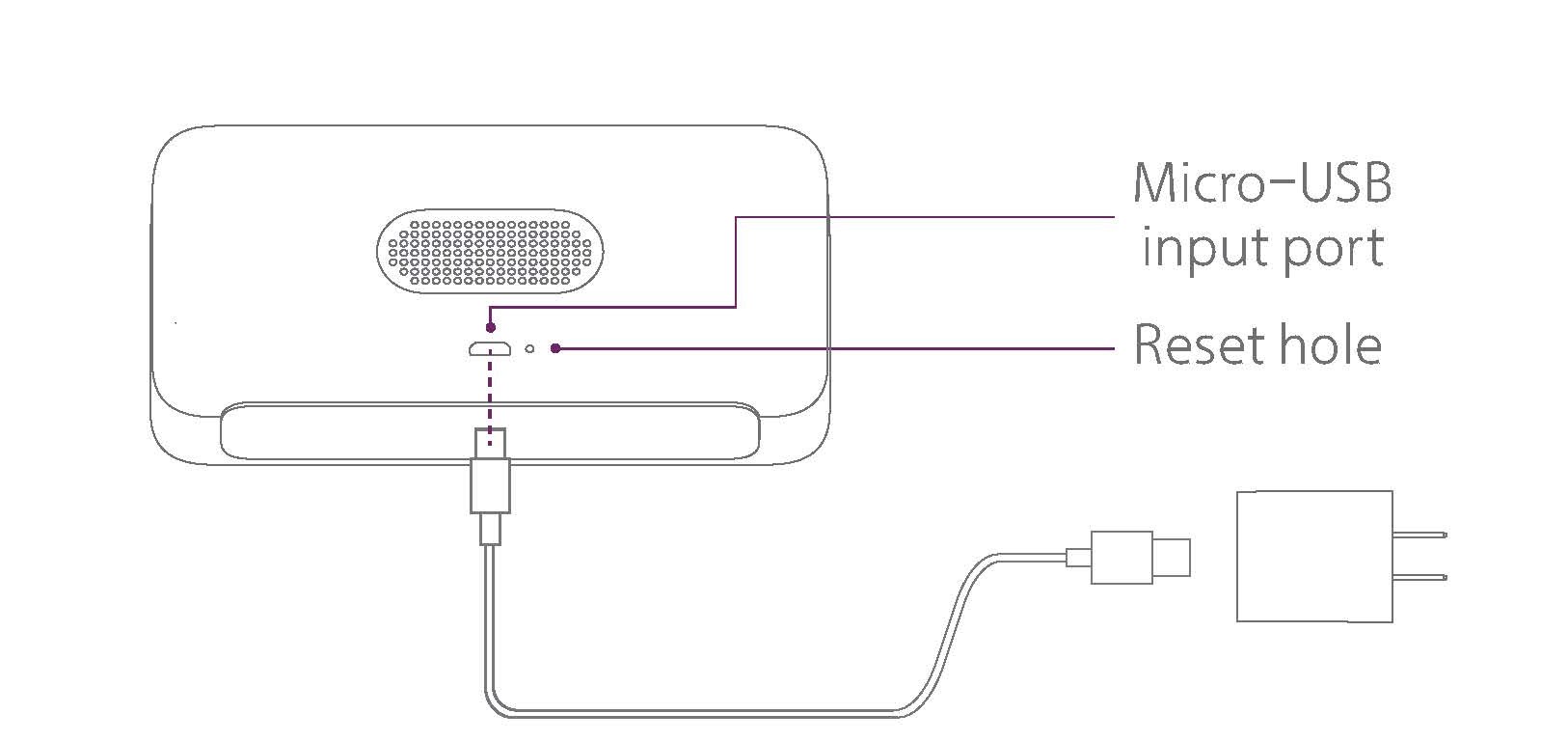
Reset the Reason Clock October 19, 2019 02:20 Updated To reset, gently push a SIM tool or paperclip through the reset hole on the back of the clock. Related articles Set up the Reason ONE smart alarm clock—Quick Start Guide How do I turn off (disable) Alexa on the Reason ONE clock? Setting up Reason ONE clock on an Android phone or tablet Unable to add and set up a new clock in the Reason Home app [IMPORTANT] Install the Amazon Alexa app or visit alexa.amazon.com to change Alexa settings Comments 0 comments Please sign in to leave a comment.
Comments
0 comments
Please sign in to leave a comment.